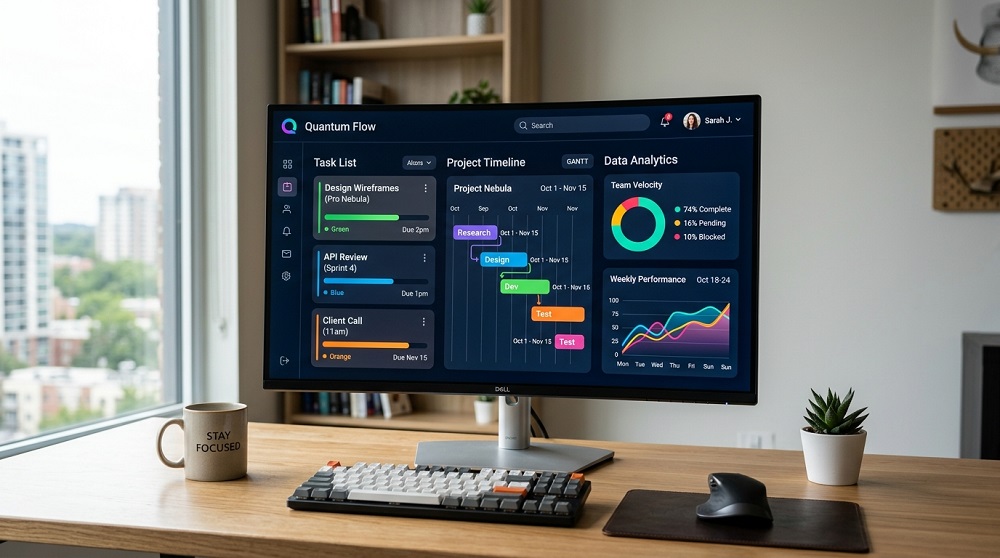

Best Free Productivity Software for Windows and Mac in 2026.
Productivity software has become a necessity for students, professionals and remote workers. Fortunately, it’s not a case of spending a fortune to stay organized, efficient, and on top of things. There are numerous tools that will provide you free plans that have more than sufficient features to take care of the regular needs. Below are some of the top Windows and Mac productivity software freebies for 2026.
1. Notion
Notion continues to be one of the most versatile productivity tools available. It integrates in one platform a note taking, task management, databases and collaboration. Users can make to-do lists, manage projects and organize documents using customizable templates.
Best For:
- Students
- Teams
- Project management
2. Obsidian
Many writers, researchers and knowledge workers enjoy obsidian. The software keeps notes on the local machine and enables users to make links between ideas via backlinks and graph views. It can be used in a variety of ways to create a personal knowledge base.
Best For:
- Writers
- Researchers
- Personal knowledge management
3. LibreOffice
LibreOffice is one of the finest free Microsoft Office alternatives. Applies word processing, spreadsheet, presentations, and databases. It is compatible with Windows and Mac and offers support for various file formats.
Best For:
- Document editing
- Spreadsheets
- Presentations
4. Trello
Trello is a visual board system, which allows users to organize tasks and projects. It has a drag and drop feature, which makes it easy to handle workflows and cooperate with team members.
Best For:
- Task management
- Freelancers
- Small teams
5. Google Drive
Google Drive offers cloud storage and access to Google Docs, Google Sheets and Google Slides for free. It’s a great option for remote work and group projects with real-time collaboration features.
Best For:
- File sharing
- Collaboration
- Cloud storage
6. Todoist
Todoist is a straightforward yet potent project administration app. Users can schedule repetitive tasks, prioritize projects and monitor productivity from any device.
Best For:
- Daily planning
- Personal productivity
- Time management
7. Clockify
Clockify is an all-in-one, free time tracking software for individuals and businesses looking to track time and boost productivity. It’s particularly beneficial for remote staff and freelancers.
Best For:
- Time tracking
- Freelancers
- Small businesses
How to Choose Productivity Software
Choose productivity software that meets your needs. Notion or Obsidian can be great note taking tools for writers, and Trello or Notion for project managers. Google Drive is a great option for sharing if collaboration is a priority. LibreOffice is a good alternative for users who don’t require subscription fees for office applications.
Final Thoughts
In 2026, the most effective free productivity software will make it abundantly clear that you don’t need to be paying top dollar for being productive and organized. Whether you’re managing projects, taking notes, tracking time, or collaborating with others, these tools provide powerful features without costing a dime. Selecting the right applications right at the outset can make your work more efficient and help your team work more efficiently on both Windows and Mac. For additional insights into useful software and productivity solutions, resources such as gramernest.com can also provide helpful information.